








From floor plan to full listing. Like magic.
What it is
Street AI takes your photos, a floor plan, and a few property details, then builds the listing for you. Rooms and dimensions come off the floor plan, up to ten standout features come off the photos, and a description lands in your chosen style. Onboarding goes from around 30 minutes of typing to about 5 minutes of refinement.
Who benefits
Negotiator. Upload the photos and floor plan once, enter a few property details, and Street AI fills in the listing. You refine, then publish.
Branch Manager. Every listing leaves the door with consistent structure and complete data, so the portfolio looks the same standard end to end.
Property Buyer. Listings arrive with accurate dimensions, clearly named rooms, and the key features highlighted, so buyers see the full picture.
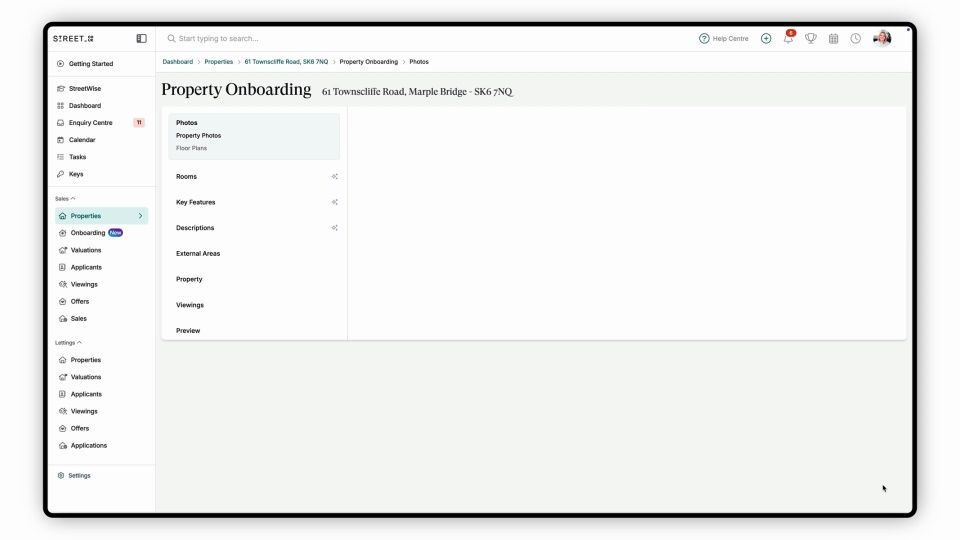
Onboard a listing in minutes, not hours.
See the four-step wizard build a listing from photos and a floor plan.
80%
Time saved per property, once Street AI builds the listing for you.
5 min
From upload to listing ready, compared with around 30 minutes of manual entry.
4 steps
Photos, floor plans, property details, generation settings. Street AI handles the rest.
Upload the photos, drop in the floor plan, tick what to generate. Your listing builds itself.
Listings go live in minutes, not hours.
The onboarding wizard walks you through four steps: photos, floor plans, property details, and what you want generated. Street AI fills in the rooms, dimensions, key features, and description, so listing creation becomes refinement rather than data entry.

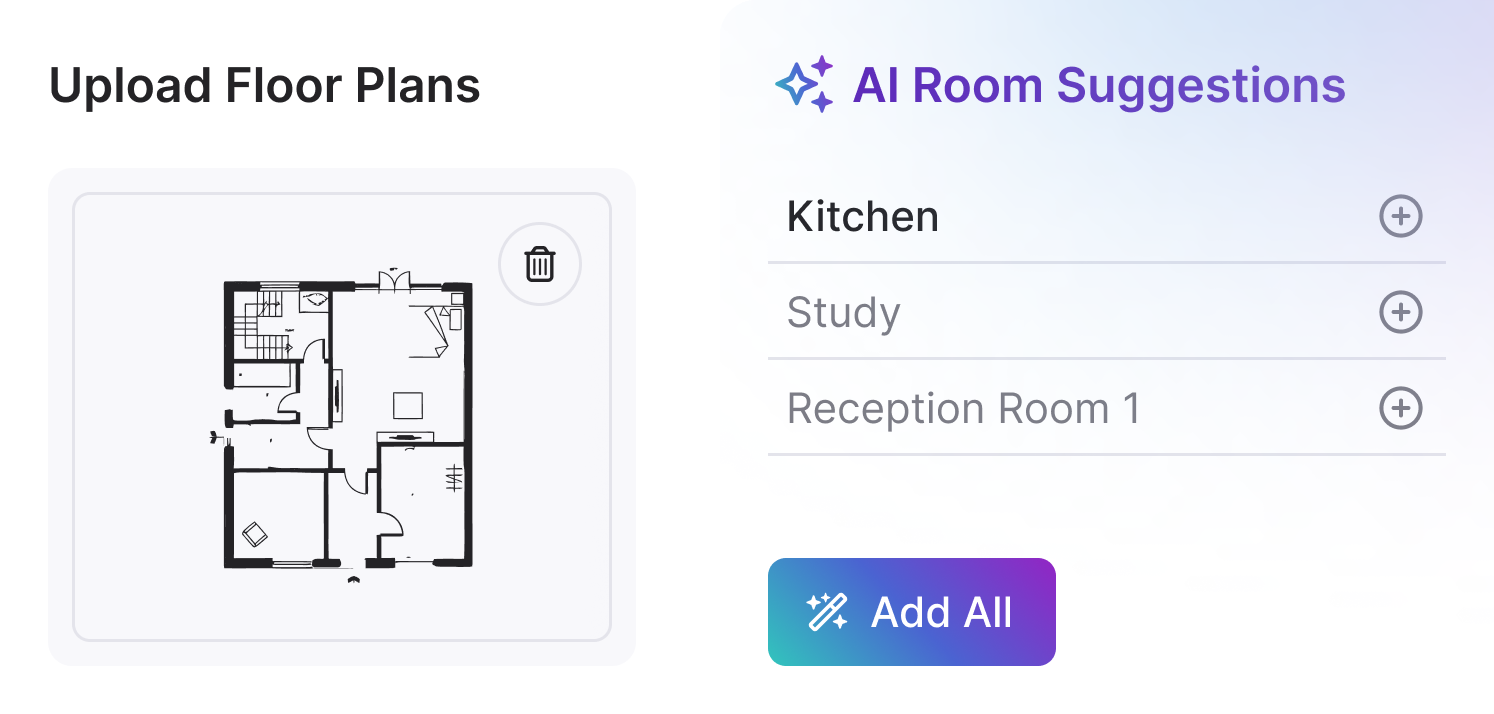
Four steps. One complete listing.
The wizard takes you from zero to listing in four steps. Upload the photos. Upload the floor plans. Enter the core property details like bedrooms, bathrooms, and property type. Choose what Street AI should generate: rooms, key features, and a description in your chosen style. Everything pre-populates, ready for you to refine and publish.
- Step 1: Upload photos: Drop in the full set of property photos. Street AI uses them for room identification and feature detection.
- Step 2: Upload floor plans: PDF or image. Street AI extracts room names, dimensions, and layout structure automatically.
- Step 3: Enter property details: Bedrooms, bathrooms, property type, and the other core fields that anchor the listing.
- Step 4: Choose what to generate: Tick rooms, key features, and description. Street AI produces each one using your inputs.

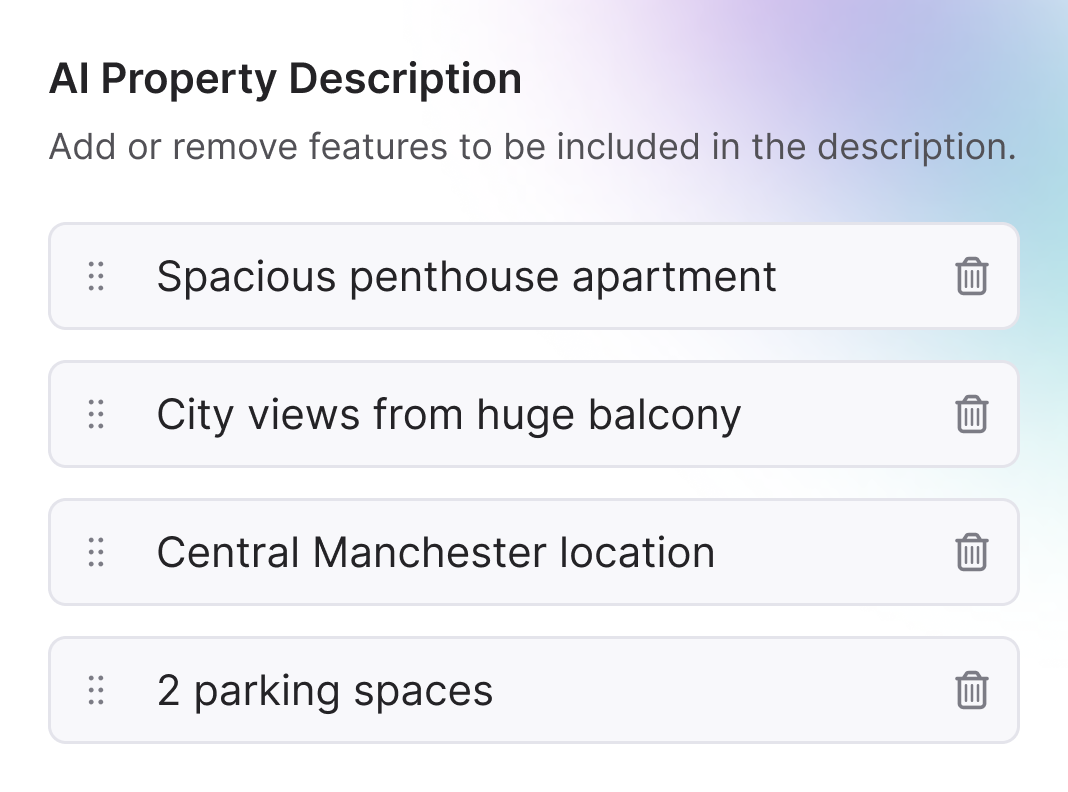
Rooms, dimensions, and layout from one floor plan upload.
Upload a PDF or image floor plan and Street AI extracts the room names, dimensions, and layout structure. Your listing pre-populates with entries like "Master Bedroom 4m x 3.5m", "Living Room 5m x 4.2m", and "Kitchen 3.5m x 3m", ready to push through to the portal. Room names are a starting point, so if Street AI gets one wrong, you correct it in seconds rather than typing the whole listing from scratch.
- PDF and image supported: Works with the formats you'll usually get from vendors, architects, and portals.
- Room identification: Bedrooms, bathrooms, ensuites, kitchens, lounges. Street AI names the rooms for you.
- Dimension capture: Room sizes lift straight off the floor plan into the listing fields.
- Pre-populated structure: The listing skeleton is complete. Your job becomes refinement, not data entry.

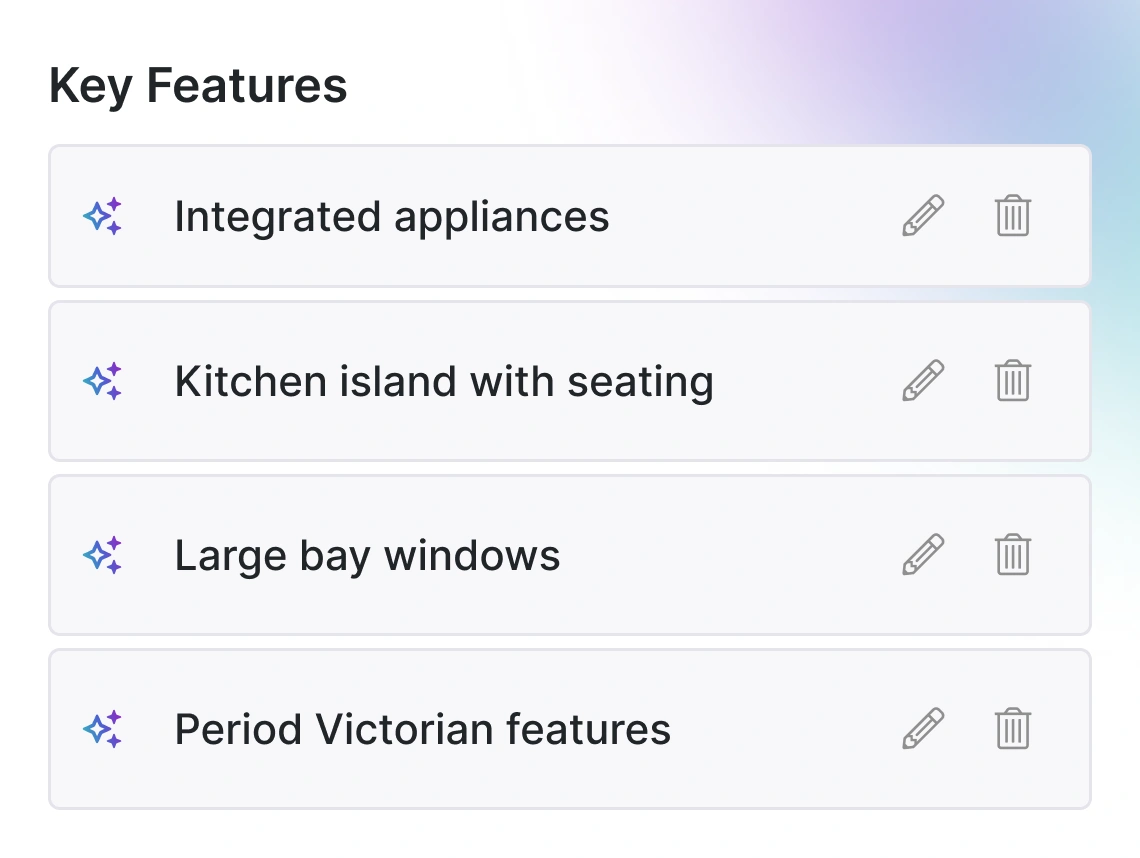
Up to ten standout features, pulled from your photos.
Street AI reads the photos and suggests up to ten key features that will catch a buyer's eye: large bay windows, original fireplaces, exposed beams, a modern fitted kitchen. You review the suggestions, keep the ones that matter, and they feed straight into the listing.
- Up to ten suggestions: Street AI surfaces up to ten features per property for you to choose from.
- Pulled from photo content: Feature detection runs on what the photos actually show, not guesses from the data fields.
- Agent-controlled: You keep or drop each suggestion. Only the ones you approve make the listing.
- Description generation: Pair with a description generated in your chosen style. See AI Property Descriptions & Writing Styles for length and tone controls.
Frequently asked questions
PDFs, JPEGs, PNGs, and other common image formats. Most floor plans from vendors, architects, and portals work without conversion.
Edit it. The extracted rooms are a starting point, not a lock-in. Correcting a room name takes seconds, compared with typing the whole listing from scratch.
It works best with clean, professional plans. Hand-drawn plans may need more review, but Street AI still extracts useful data you can refine.
Yes. Upload the full set at once. Street AI processes the batch, links each photo to the right room where it can, and uses the photos for feature suggestions.
Onboarding covers the full listing build: photos, floor plans, property details, and generation settings. Description generation is one step inside that wizard. For description length, tone-of-voice training, custom writing styles, and AI email writing, see the AI Property Descriptions & Writing Styles page.