








Every branch matching as one.
What it is
Tag each applicant with the areas they are actually interested in, then run PerfectMatch across every property in your network. No deal lost because the best property sits in a different branch.
Who benefits
Group Director. The right property for an applicant might be listed two branches away. Cross-branch matching surfaces it automatically, so deals stay inside the group.
Negotiator. Run PerfectMatch from any applicant record and see the best-fit properties across every branch, not just the one the applicant registered at.
Branch Manager. Toggle cross-branch matching on per branch. Control stays local.
Every branch
One matching pool.
Every applicant
Sales or lettings, tagged with areas of interest.
Zero
Manual mapping. Properties are tagged to the areas they sit in automatically.
Your best-fit property shouldn't be invisible just because it sits in a different branch.
One network. Every property matched.
Tag each applicant with their areas of interest. Run PerfectMatch across every branch. The best-fit property rises to the top, no matter which office it sits in.

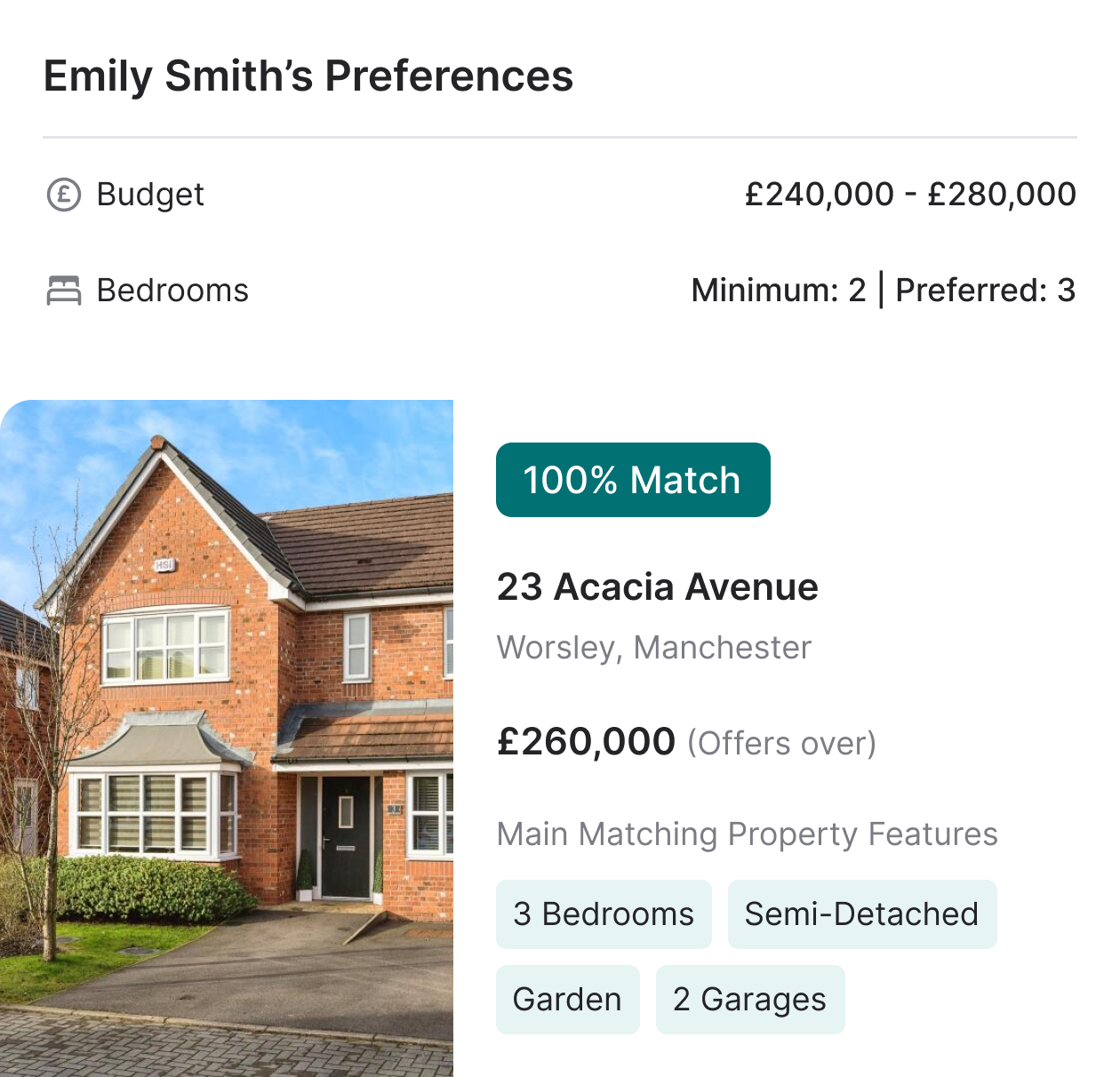
Capture what each applicant actually wants, down to the area.
When you create a sales or lettings applicant, select their areas of interest from your full network. Properties are already tagged to the areas they sit in, so your matching data is ready the moment you need it.
- Areas on every applicant: Select areas of interest when registering any sales or lettings applicant. Pulled from your network's full list, not limited to the branch you happen to be sitting in.
- Automatic property assignment: Properties are tagged to the areas they sit in the moment they are listed. No manual mapping, no second list to maintain.
- Same framework for sales and lettings: One way of tagging applicants across both sides of your business.
- Area-filtered matching: When you run a match, filter to only properties or applicants within the selected areas. No noise.

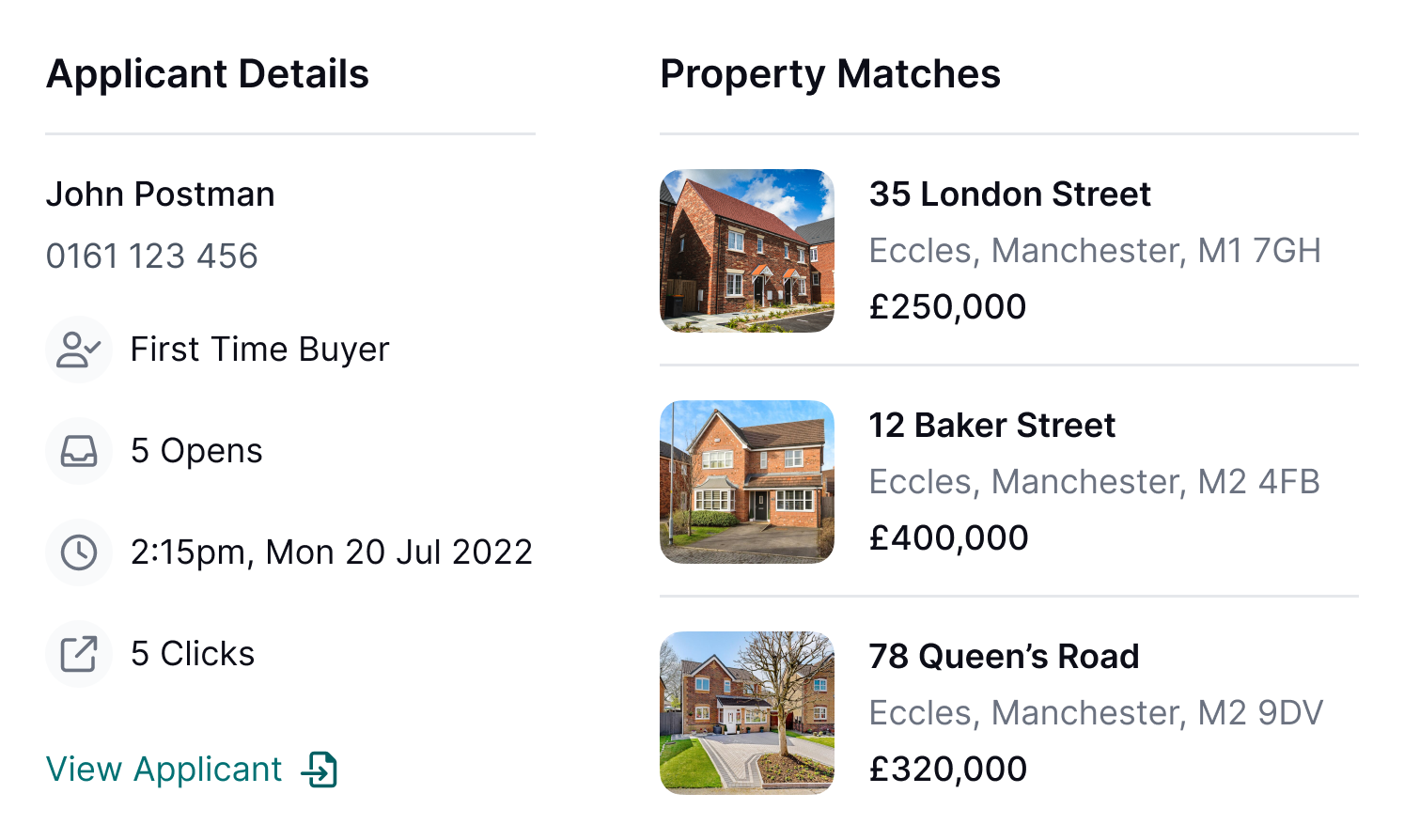
Every property in your network. Matched for every applicant.
Turn on cross-branch matching in Branch Settings. Run PerfectMatch from any applicant record and Street surfaces the best-fit properties across your entire network, scored the same way as single-branch matches.
- Turn it on per branch: Each branch controls its own setting.
- Full network results: PerfectMatch returns the strongest matches across every branch, not just the one the applicant belongs to.
- Deal stays in the group: When the right property is at a sister branch, your group keeps the deal instead of losing it to another agent.
RELATED FEATURES
Frequently asked questions
Settings > Branch Settings > Property Matching > "PerfectMatch - include properties from other branches". The toggle is per branch, so each office controls whether they see stock from the rest of the network.