








Every applicant, pre-qualified before you pick up the phone.
What it is
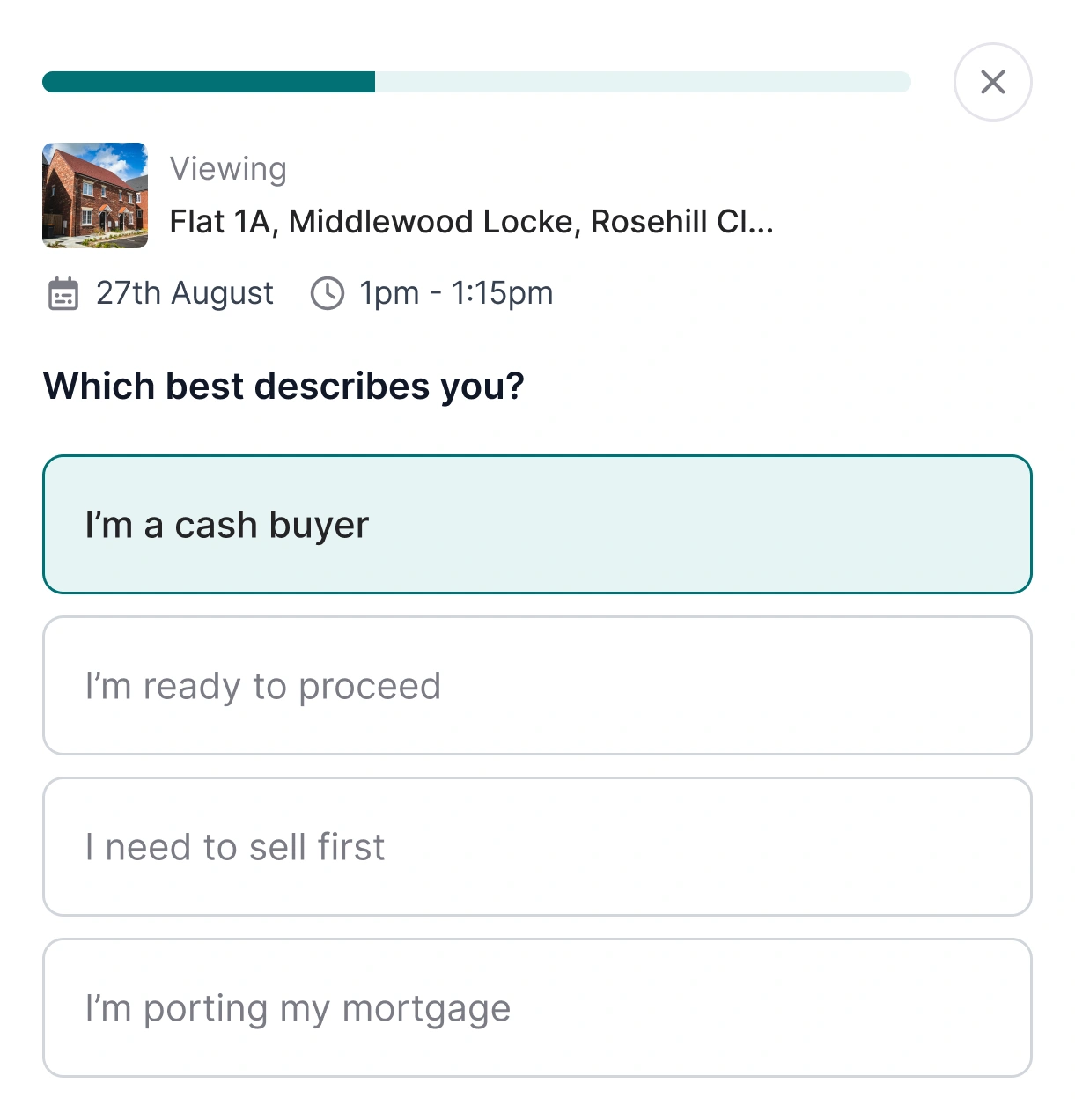
Send the right questions to every applicant who enquires about a property. Rules you set decide who can book a viewing there and then, and flag the rest for your team to review in the Enquiry Centre.
Who benefits
Branch manager. Build a template once, set the rules that control who books a viewing directly, and assign it to any property on your books in a couple of clicks.
Applicant. Answer a short set of questions when you enquire about a property, then either book a viewing on the spot or wait for the team to come back to you.
A better way to gather property information.
A smarter way to qualify every enquiry. See how pre-qualification questions fire the moment an applicant enquires, route them between instant booking and the Enquiry Centre based on rules you set, and store every answer against the applicant record automatically.
Templates
Separate questionnaires for sales and lettings.
Rules
Control who books a viewing directly.
Portals
Works with Rightmove, Zoopla and OnTheMarket.
Every property enquiry starts with the right questions, even when it comes in through a portal. Your rules decide who books a viewing on the spot and who lands in the Enquiry Centre for a closer look.
One place for every enquiry, qualified or flagged.
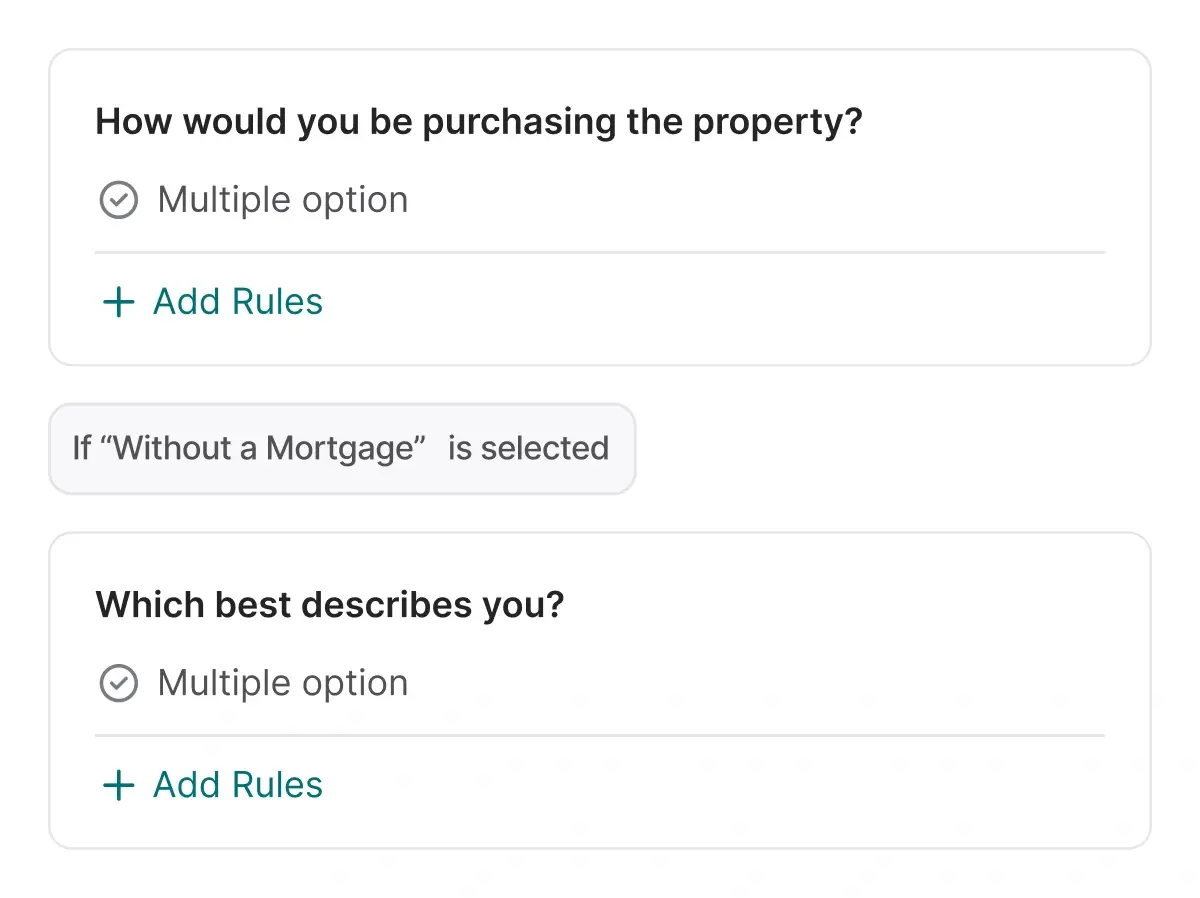
Applicants answer the questions that matter before they reach your team. The ones who meet your rules book a viewing themselves. Everyone else lands in your Enquiry Centre with their answers attached, ready for a manual review whenever the team has a moment.

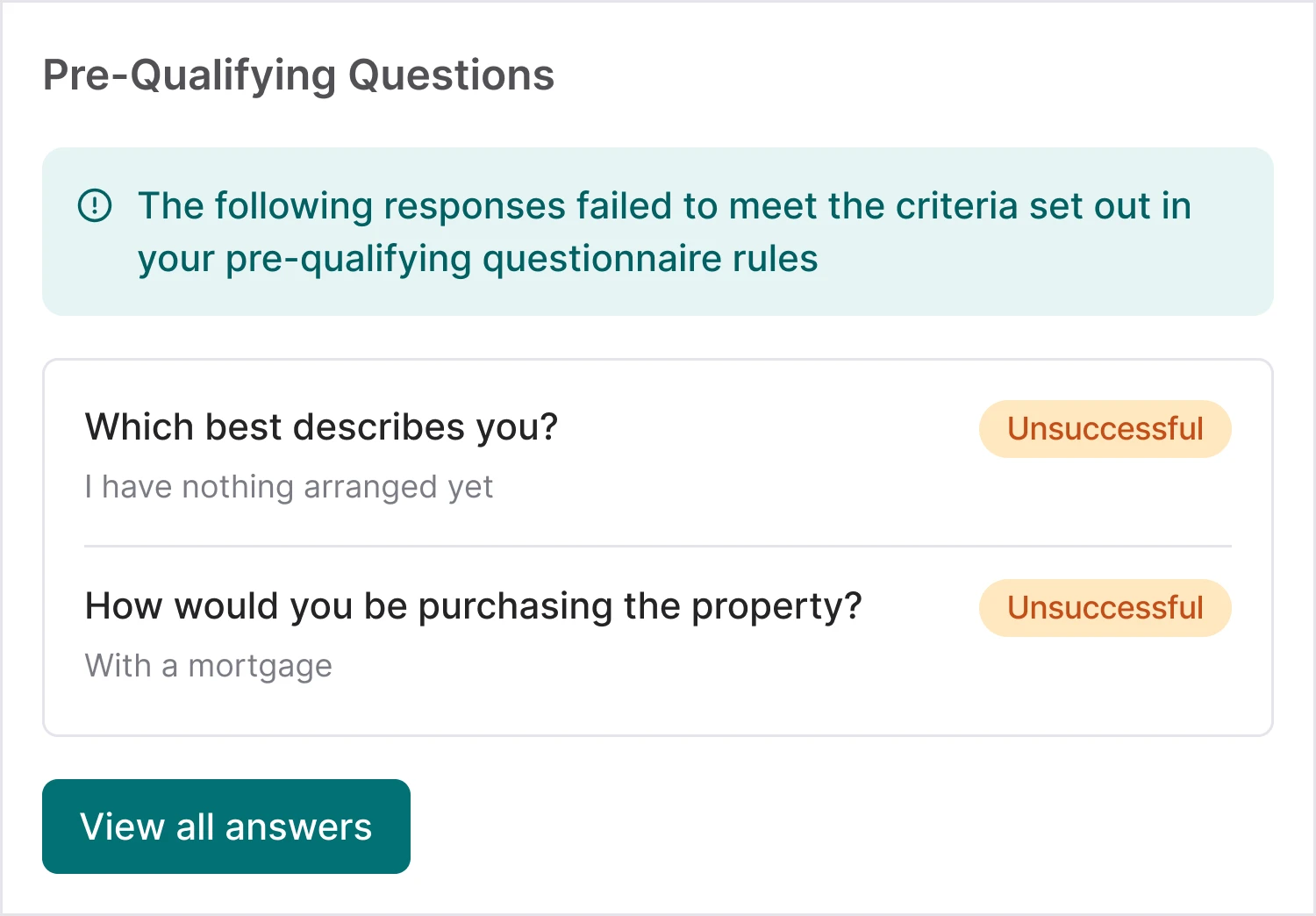
Build questionnaires that fit your agency.
Create separate templates for sales and lettings, or different versions for different property types. Set a default and assign alternatives property by property. Questions can be short text, numbers, currency, single or multiple option, date, or a legal declaration checkbox, and for option questions you decide the answer choices applicants pick from.
- Template library: Build as many questionnaires as you need and keep them organised in one place.
- Range of question types: Short text, numbers, currency, single or multiple option, date, and a legal declaration checkbox.
- Assign per property: Pick a default template and swap in a different one on any property listing.
- Multi-branch ready: Duplicate a template across branches in a couple of clicks.

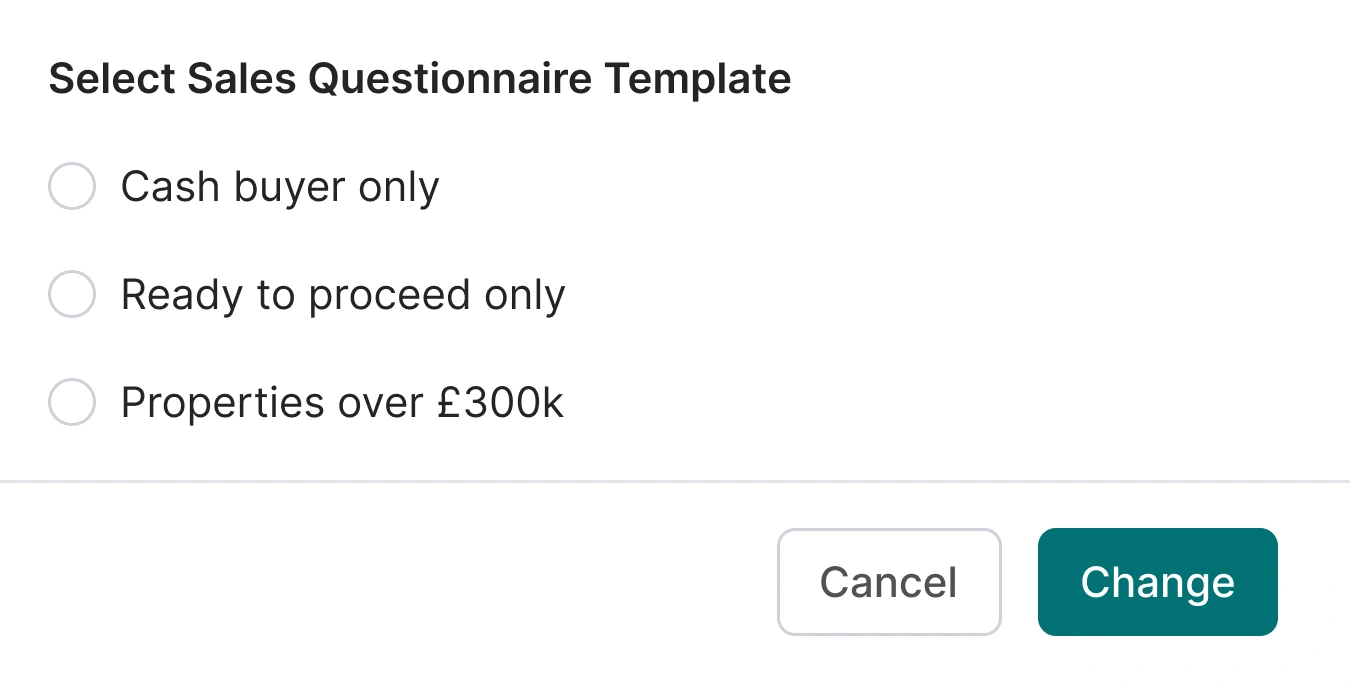
Decide who books a viewing directly.
Add rules to single and multiple option questions. Depending on the answer, the applicant either books a viewing there and then, or their submission is flagged as a viewing request for your team to pick up. You set the criteria, and flagged enquiries land in the Enquiry Centre with every answer attached.
- Answer-triggered flags: Set the criteria that matter for your branch. Answers outside those criteria get flagged for review.
- Direct bookings: Applicants who meet your rules go straight into the diary with no back and forth.
- Everything in the Enquiry Centre: Flagged submissions arrive with every question and answer attached, ready for manual review.
Works with Rightmove, Zoopla and OnTheMarket.
Applicants who enquire through the portals get your questionnaire link in the auto-responder email. If online viewing bookings are switched on, the questionnaire sits inside the booking flow itself, so applicants complete it as part of the process. Either way, the answers come back to the same place and the same rules apply.
- Auto-responder link: Portal enquiries get the questionnaire as part of the automatic reply.
- Online viewing bookings: When online viewings are enabled, the questionnaire sits inside the booking flow.
- One place for every answer: Whether applicants come via your site or a portal, their answers end up in your Enquiry Centre.
RELATED FEATURES
Frequently asked questions
Yes. Create separate templates for sales and lettings, or build different versions for different property types. Set one as your default and assign alternatives per property. Multi-branch? Duplicate a template across branches in a couple of clicks.
They're not lost. Flagged submissions appear in your Enquiry Centre with all the applicant's answers attached, ready for manual review whenever your team gets to them.
Yes. Edit your template, then hit Publish to push the changes live. New applicants see the updated version immediately. Existing responses stay as they are.
Short text, numbers, currency, single option, multiple option, date, and a legal declaration checkbox. For single and multiple option questions, you define the answer choices your applicants pick from.
Yes. Add rules to single or multiple option questions. Depending on the answer, the applicant either books a viewing directly or their submission is flagged as a viewing request for your team to review. You set the criteria.
Yes. Applicants who enquire via Rightmove, Zoopla, OnTheMarket and other portals receive the questionnaire link in the auto-responder email. If you have online viewings enabled, they complete it as part of the booking process.