








Rent reviews. On schedule. On record.
What it is
Track, manage, and complete rent reviews from a single screen. Set review dates. Suggest amounts. Contact owners. Serve notice. Handle disputes. Every step recorded. Every deadline visible.
Who benefits
Lettings Manager. Rent reviews tracked in one table. Due dates visible. Tenancies with no review date set are flagged automatically. No missed reviews.
Landlord. Clear rent review process. Owner contacted with full details. Decision recorded. Transparent communication throughout.
Tenant. Notice served properly. Response deadline tracked. Dispute process available. Fair treatment guaranteed.
Automated
Rent review scheduling and tracking.
Compliant
Section 13 notice requirements met.
Zero
Missed review dates. Every tenancy tracked.
Rent reviews without a clear process turn into missed deadlines and avoidable disputes. Street.co.uk keeps every step recorded and every deadline visible.
Every step tracked. Every deadline visible.
Set the review date, suggest an amount, contact the owner, record the decision, serve notice, and handle any disputes. All in one place.

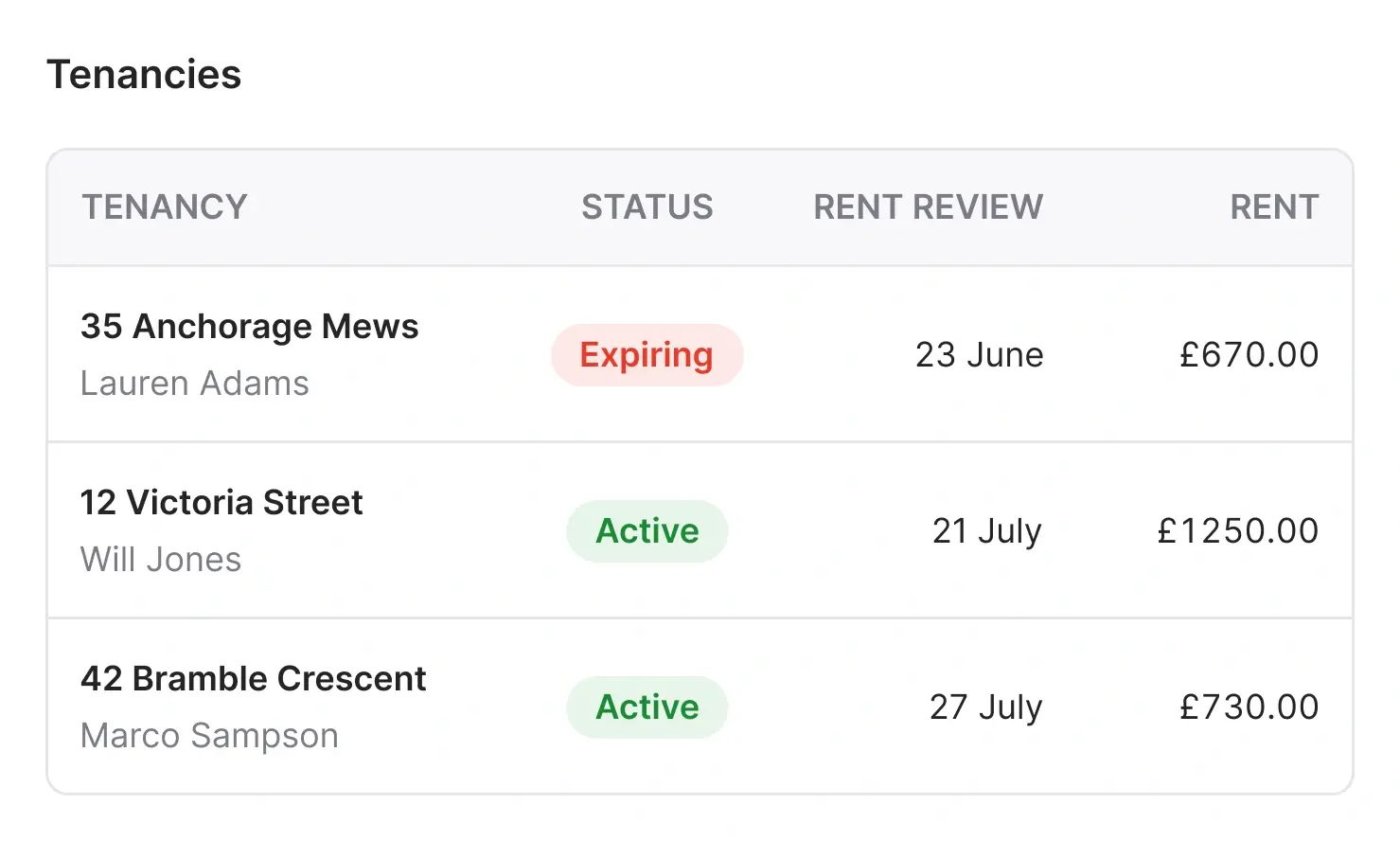
Every review. One table.
The Rent Reviews table gives you a complete view of your portfolio. Reviews due. Reviews in progress. Tenancies with no review date set. Filter by date, service level, assignee, branch, or status.
- Reviews due: See every tenancy with a review date approaching. Click through to begin the process directly.
- No review date set: Periodic tenancies without a review date are flagged automatically. Set a date or mark as not required.
- Status tiles: Reviews due soon, notices served, contested, and no date set. All visible at a glance from the header tiles.
- Quick access: Jump to the review from the table or from the Rent Review card on the tenancy page. Also available from the Task Management page.

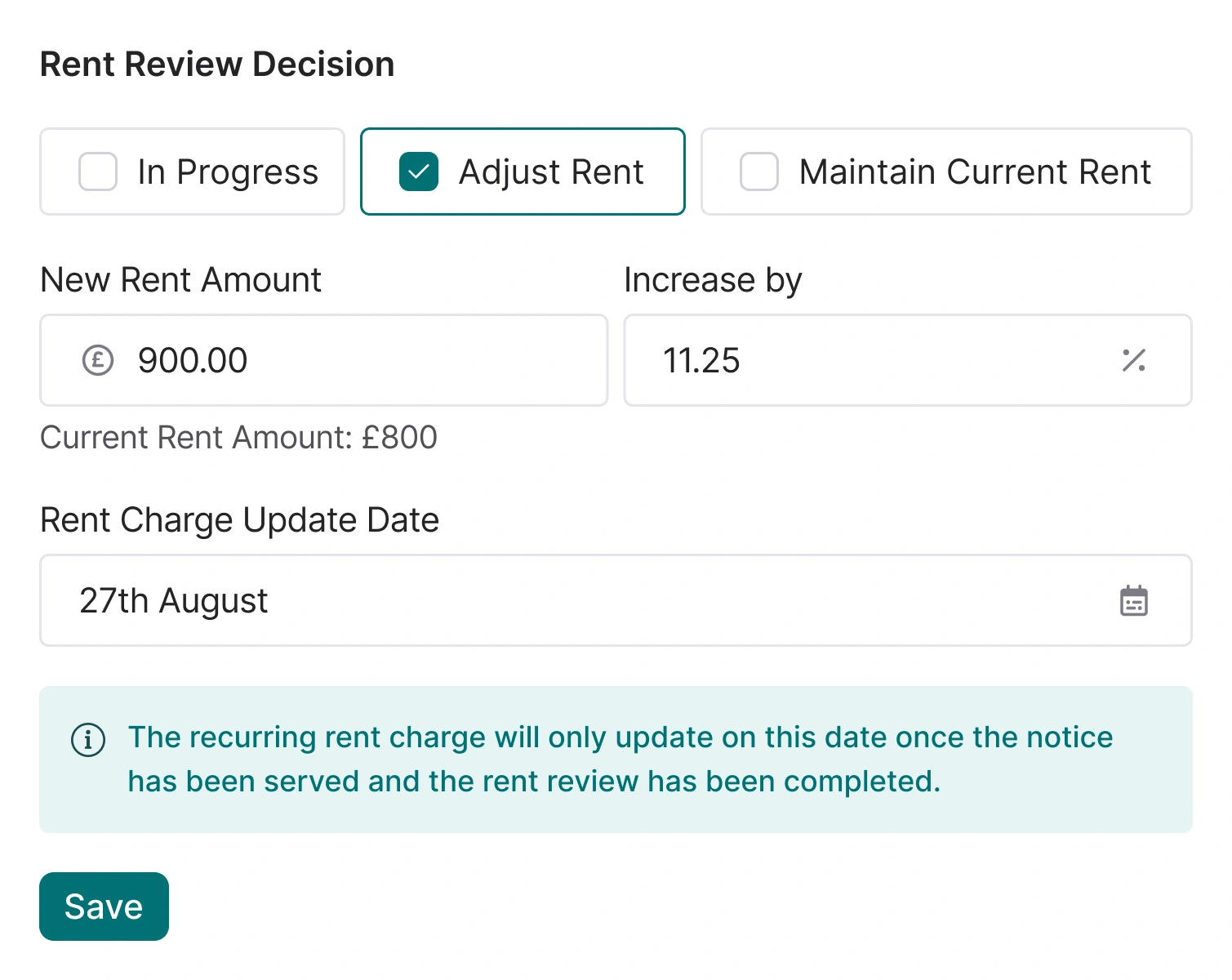
Six steps. Fully guided.
Street.co.uk walks your team through the complete rent review workflow. From suggested amount to final outcome. Every step recorded on the tenancy.
- Suggested amount: Enter a value or percentage increase for internal reference. Not shared with the owner or tenant.
- Contact owner: Email the owner using correspondence templates with rent review merge fields built in.
- Owner decision: Record the outcome: maintain the current rent and set the next review date, or agree to a new amount and effective date.
- Serve notice: Generate and serve the official Form 4A via Street.co.uk, or mark it as served externally. Proof of service tracked either way.
- Outcome: The review closes and the rent charge updates automatically on the effective date (if using Street.co.uk for client accounting).
- Contested: Tenant disputes the increase? Mark it as contested, note the details, and record the final decision. The workflow handles both outcomes.
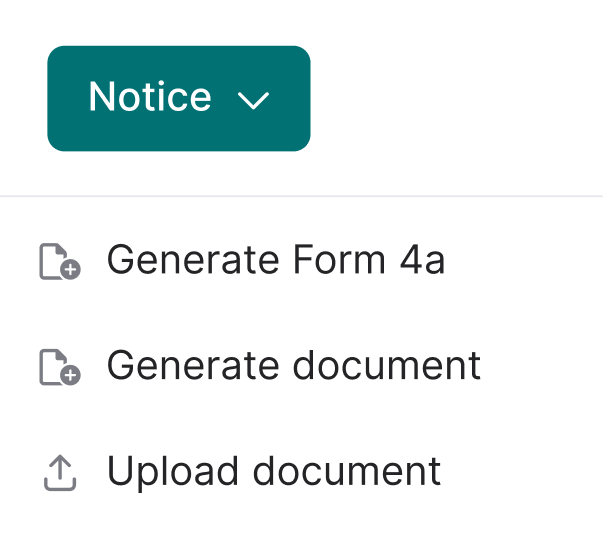
The official Form 4A. Served in one flow.
Serve Form 4A for rent reviews without leaving Street.co.uk. The official government form is built into rent reviews, pre-populated, signed electronically, and served to the tenant by email. One compliant flow.
- Pre-populated: Street.co.uk fills in the tenancy, rent, and notice details for you. No re-keying, no transcription errors.
- Edit before you serve: Open the form in an editing modal. Every pre-populated field on the left, a live preview on the right that updates as you type.
- eSign or without: Fine-tune anything you need, then generate with or without eSign. Always on the official government form.

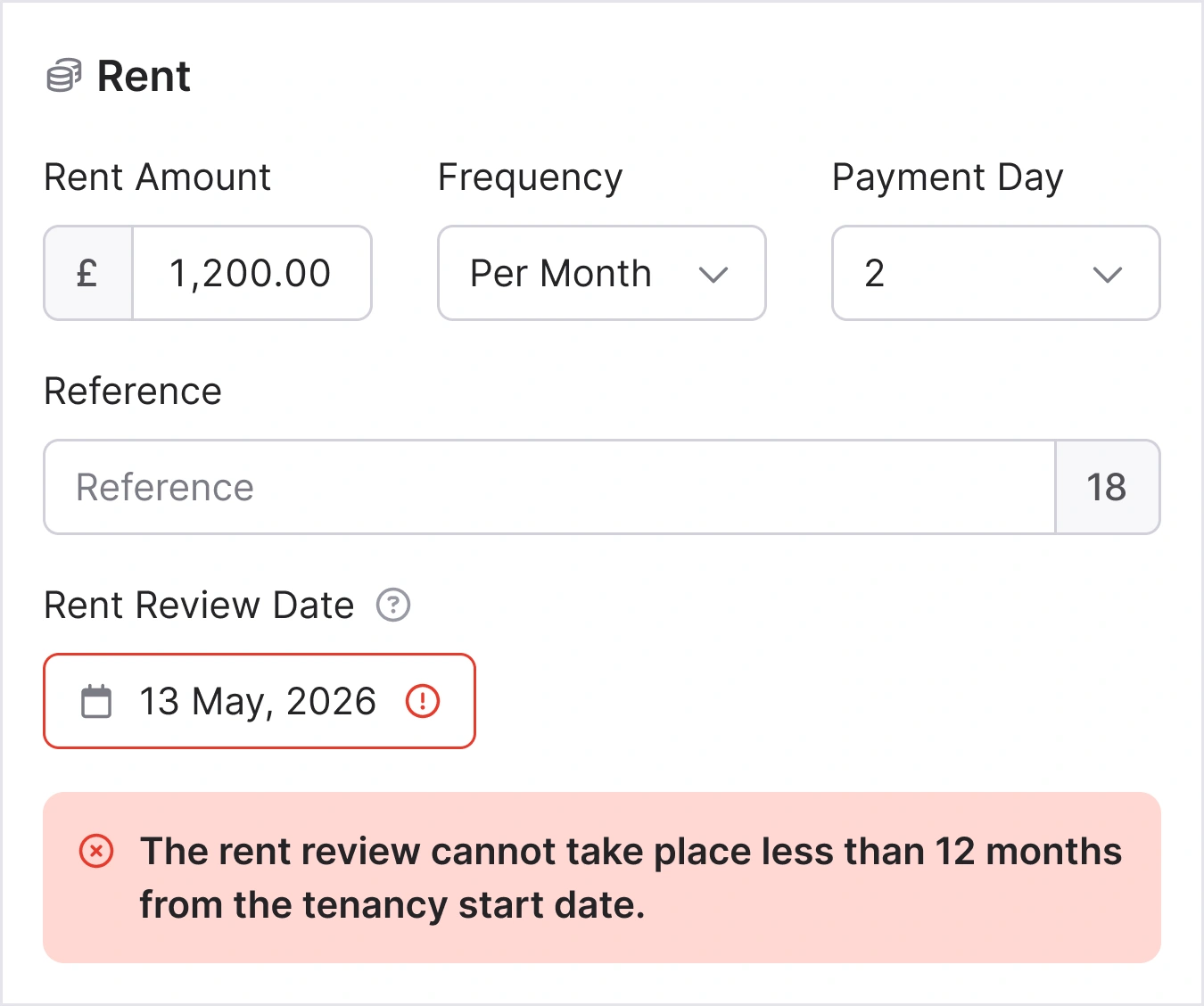
Section 13 compliance. Accounting that updates itself.
Generate compliant notices from document templates. Serve electronically with tracked proof of service. Response deadlines monitored. And if you manage client accounting in Street.co.uk, the rent charge updates automatically.
- Section 13 notices: Generate notice documents from your templates. Serve by email with proof of service tracked in the system.
- Deadline tracking: Tenant response deadline tracked from the date of service. Status visible at every stage.
- Accounting integration: The rent charge updates automatically on the effective date. The existing recurring charge ends and a new one is created with the updated amount. No manual adjustment needed.
- Twelve-month rule: Rent reviews validated against the twelve-month rule under the Renters' Rights Act. Non-compliant reviews flagged.
Frequently asked questions
Street.co.uk guides you through six steps: set a suggested amount, contact the owner, record their decision, serve notice to the tenant, track the outcome, and handle any disputes. Each step is recorded on the tenancy.
Yes. The official government Form 4A is built into Street.co.uk. It's pre-populated, can be signed electronically, and is served to the tenant by email with proof of service tracked. Response deadlines are monitored automatically.
Mark the review as contested in Street.co.uk. Add notes on the dispute. Enter the final rent decision, either adjusting the amount or maintaining current rent. The workflow handles both outcomes and sets the next review date.
If you use Street.co.uk for client accounting, yes. The rent charge updates on the effective date you set. The existing recurring charge ends and a new one is created with the updated amount.