








Your viewing diary fills itself, 24/7.
What it is
Automated enquiry capture from every portal. Pre-qualification screening built in. Time-slot booking that respects agent availability and owner rules, with everyone confirmed instantly.
Who benefits
Lettings Agent. Viewing schedule auto-populated. No emails, no calls, no back-and-forth. Go home at 5pm.
Branch Manager. All viewing bookings visible in one dashboard: occupancy, utilisation, no-shows. Spot bottlenecks early.
Applicant. Book a viewing in 90 seconds on any device, fully branded and mobile-friendly, confirmed immediately.
Viewings book themselves. Your team handles the rest.
Enquiries flow straight into your diary without agent involvement.


90 sec
Time for a qualified applicant to book.
50%
Bookings happen outside office hours.
Hours
Saved per property, every month.
Manual booking kills qualified leads. Automated booking closes them.
Viewing calendars that fill themselves. Qualified applicants who don't ghost.
Your agents go home at 5pm. Viewings still book at 11pm. Unqualified applicants are screened out before they waste your time. Your best slots are filled by applicants who have already been pre-qualified and committed.

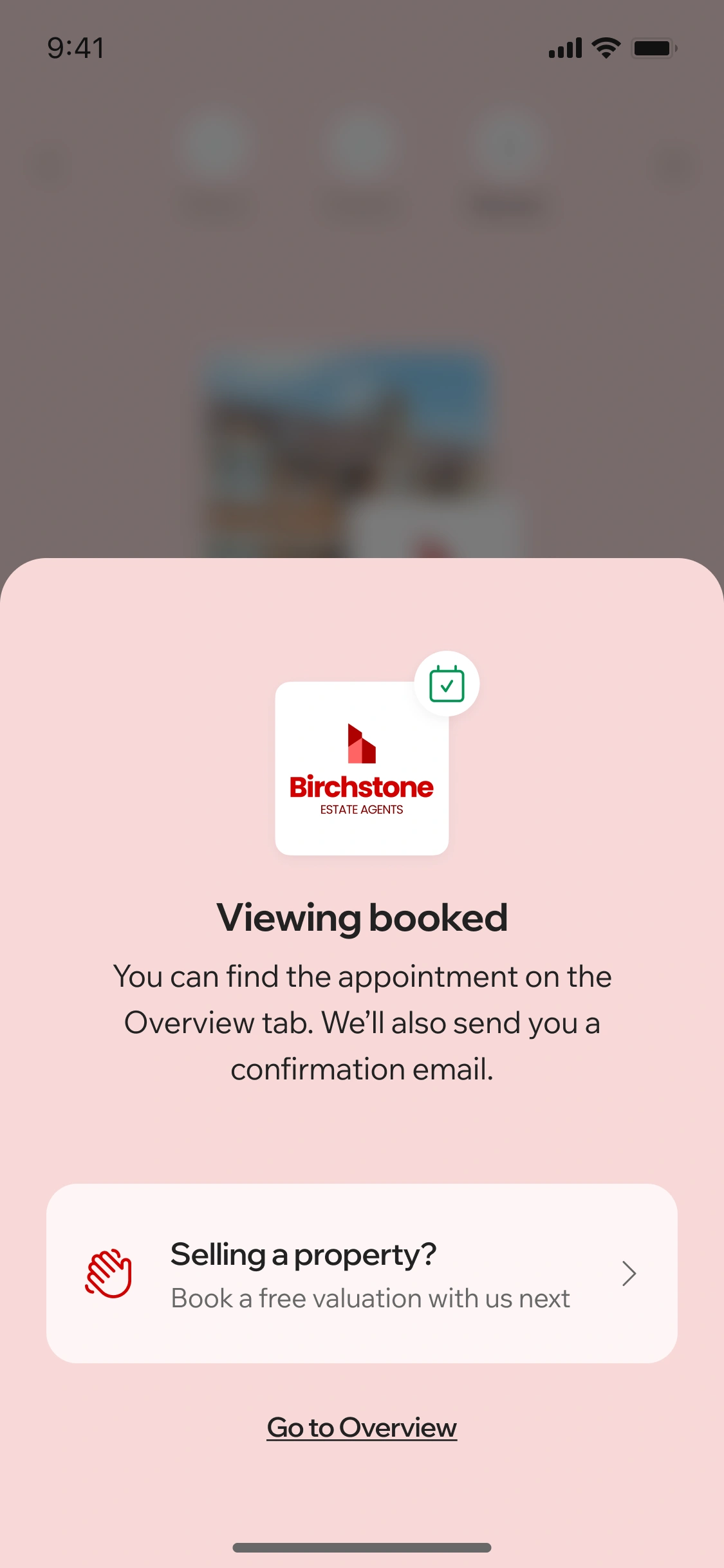
Catch every enquiry before it lands in your inbox.
Applicant enquires on Rightmove, Zoopla, OnTheMarket, or your website at 11pm on a Friday. Street intercepts it instantly. Applicant receives a branded email from your agency with a link to a booking flow. They tap it straight away and see your branding, your colours, your phone number. No agent involved yet, no email in your inbox, no follow-up to send Monday morning.
- All portals covered: Rightmove, Zoopla, OnTheMarket, your website. Street captures them all automatically.
- White-label flow: Branded emails, branded booking screens. The applicant thinks they are talking directly to your agency.
- 24/7 availability: Enquiry comes in on a Sunday night at 11:45pm. The booking flow is already live. Nothing waits for Monday morning.

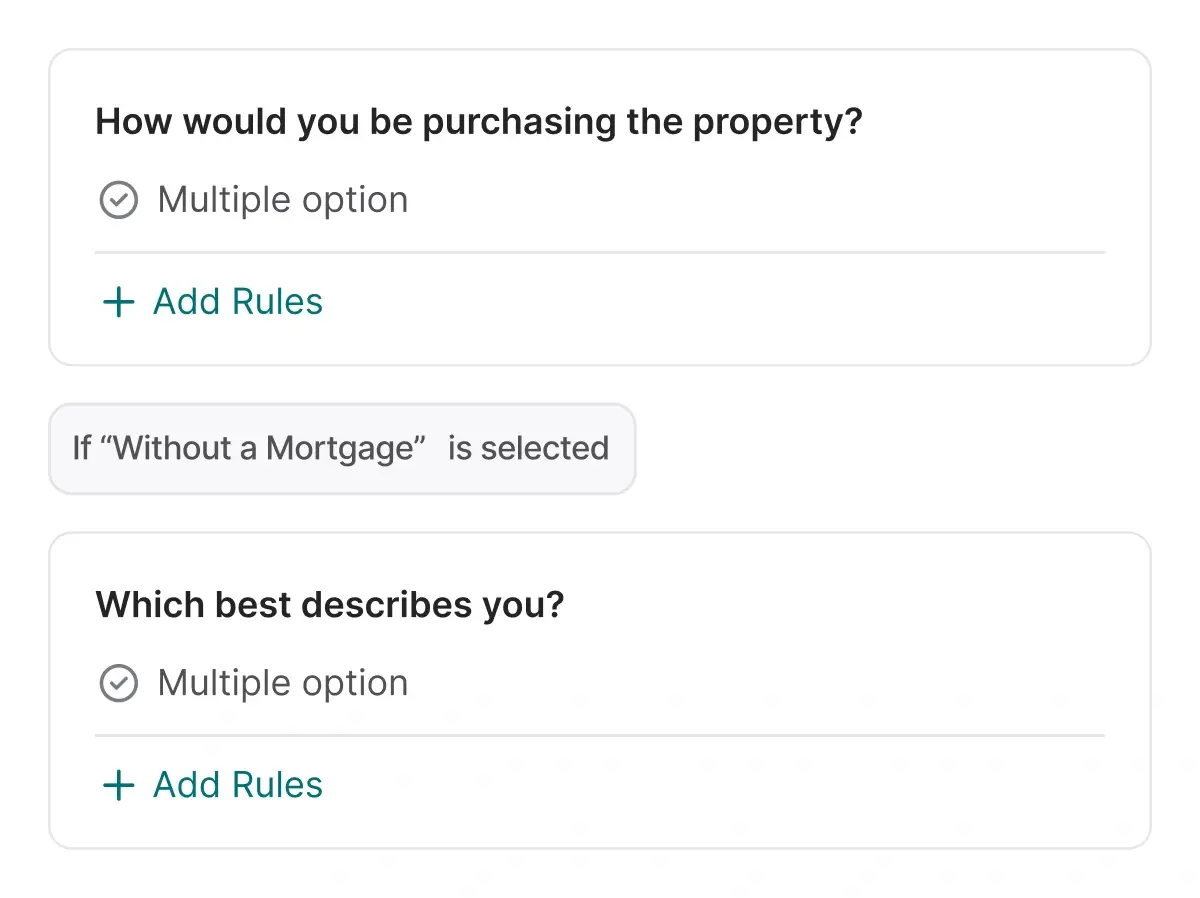
Screen out unqualified applicants before they book.
Applicant taps the booking link and answers a custom questionnaire based on your property type. For lettings: move-in date, annual salary, employment status, reference availability. For sales: budget, timeline, decision-making process. Street checks their answers against your rules.
- Custom questionnaires: Build questions for lettings. Build questions for sales. Set your own rules for each.
- Automated screening: When an applicant doesn't meet your criteria, they're routed to your team for review. If they pass, the viewing is auto-confirmed. You set the rules.
- Full logging: Every applicant response is recorded in your CRM automatically. Nothing lost.

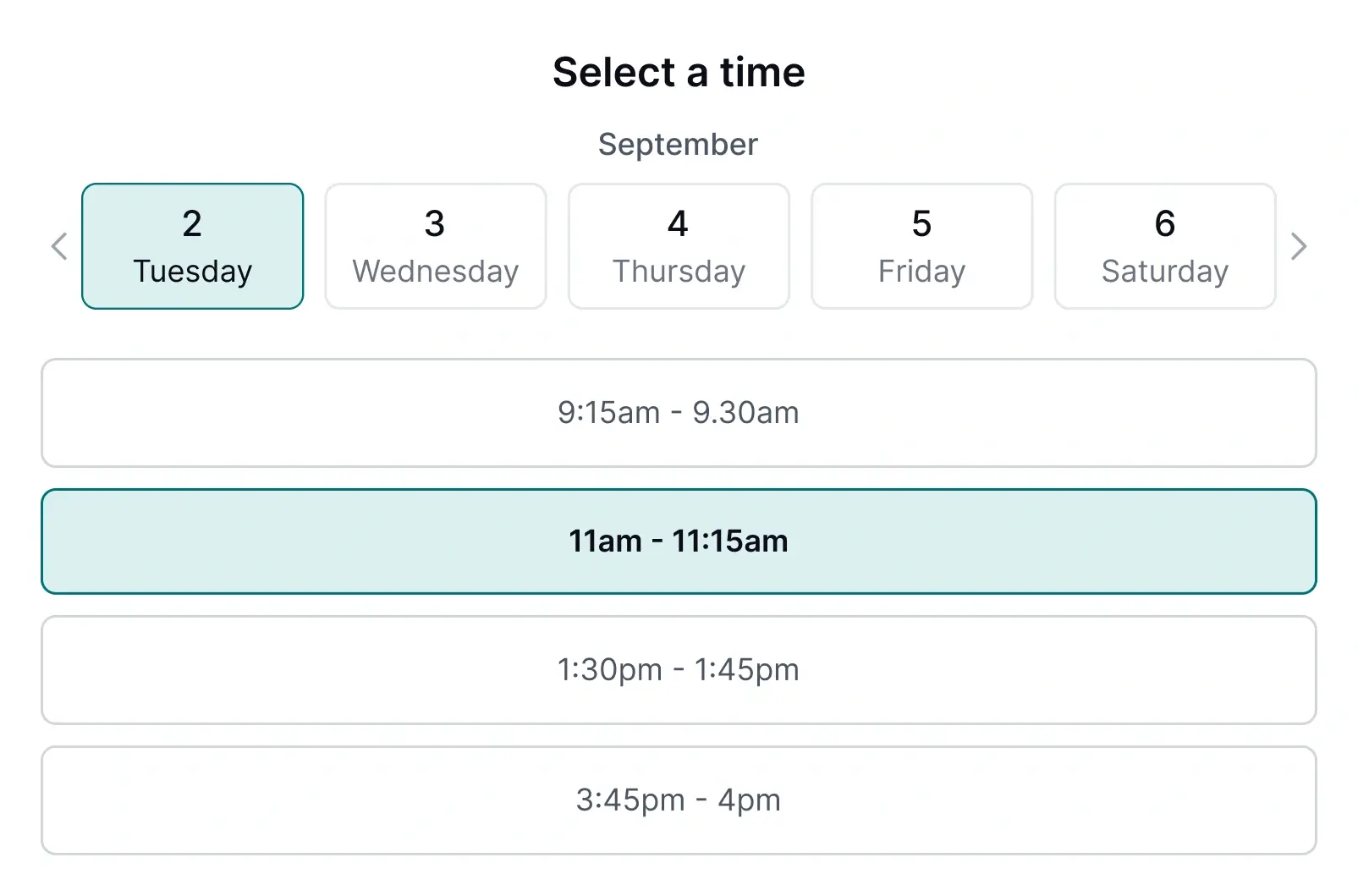
Slot times that work for everyone.
Street knows your team's diary and the owner's rules. When a qualified applicant sees available viewing slots, only times that work for your team and the owner are shown. No suggesting back-to-back appointments across town. No proposing times the owner has already blocked. The applicant books, and both sides are happy because the constraints are respected.
- Agent availability: Street checks your team's diary and only shows slots when they're free. No double-bookings.
- Owner preferences: Set viewing availability by day and time. Require owner approval, always, sometimes, or never. Set minimum notice periods. Street respects all rules.
- Instant confirmation: Applicant books, your agent and the applicant are notified straight away, and the viewing is locked in.

Booking confirmed. Everyone informed.
Booking confirmed. Viewing appears in your agent's diary. Owner is notified. Everyone knows when and where.
- Viewing in diary: Booked viewings land in your team's Street diary automatically.
- Owner informed: How the owner is notified follows the approval rules you set: always, sometimes, or never.
- Applicant confirmed: Confirmation sent immediately so the applicant knows where to go and when.
Frequently asked questions
Rightmove, Zoopla, OnTheMarket, and your own website. Street intercepts enquiries the moment they land and routes them through the booking engine.
Yes. Set your own questions and define rules for each response. Choose whether qualified applicants are auto-confirmed or routed to your team for review. Works for both sales and lettings.
You control this per property. Set owner approval to Always, Sometimes, or Never. When approval is required, the viewing stays unconfirmed until the owner approves it.
Yes. Online bookings and pre-qualification work for both sales and lettings. Customise your questions for each: buying position and chain status for sales, income and references for lettings.
Yes. Set specific days, start and end times, and assign the viewing agent for the block. Only those times appear to applicants booking online.
Yes. Enable unaccompanied viewings per property and make them optional or mandatory. When mandatory, no agent is assigned and the applicant views independently.
No. Set owner approval per property to Always, Sometimes, or Never. For "Sometimes", set a minimum notice period, and bookings outside that window are confirmed automatically.